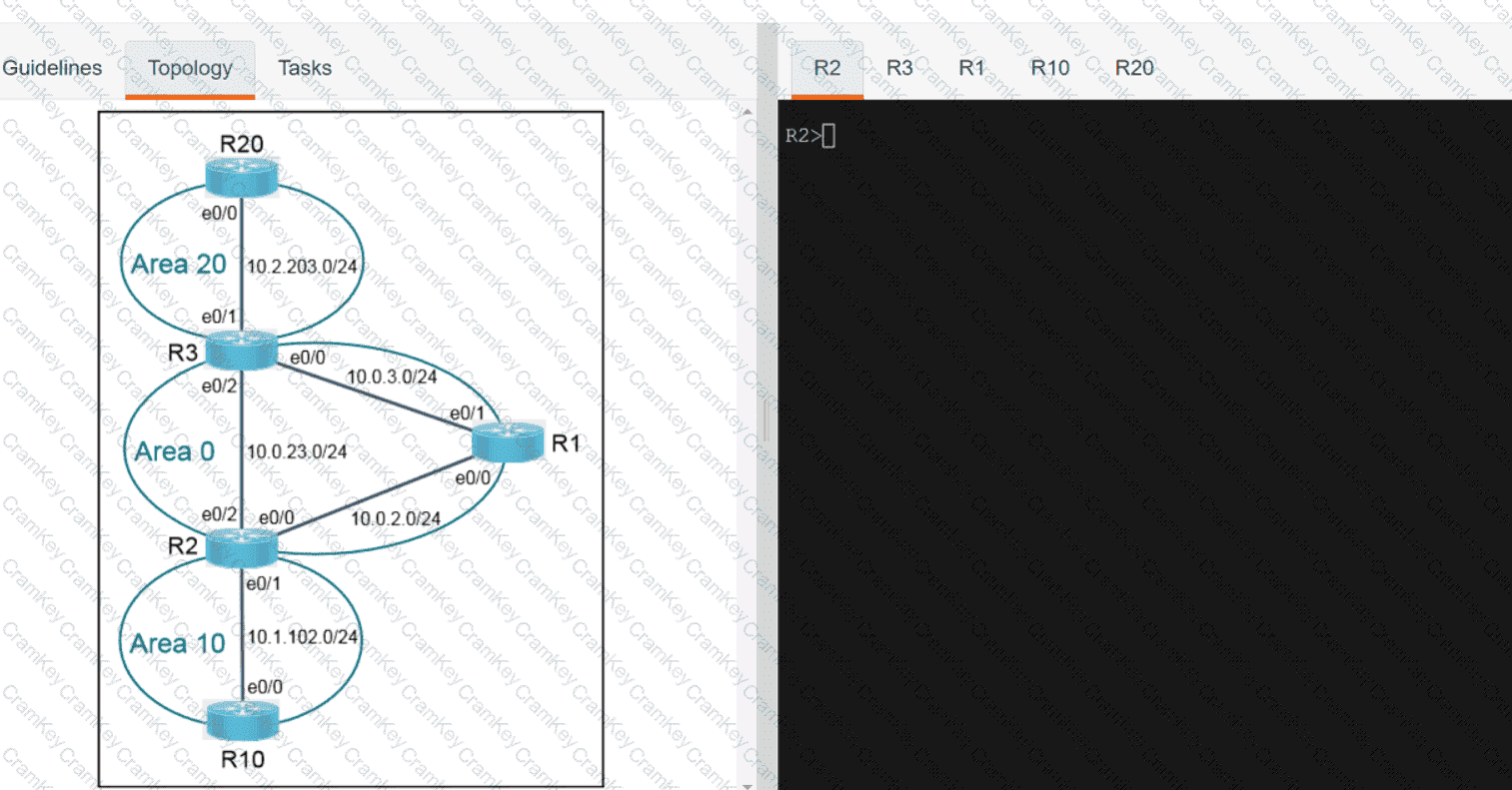
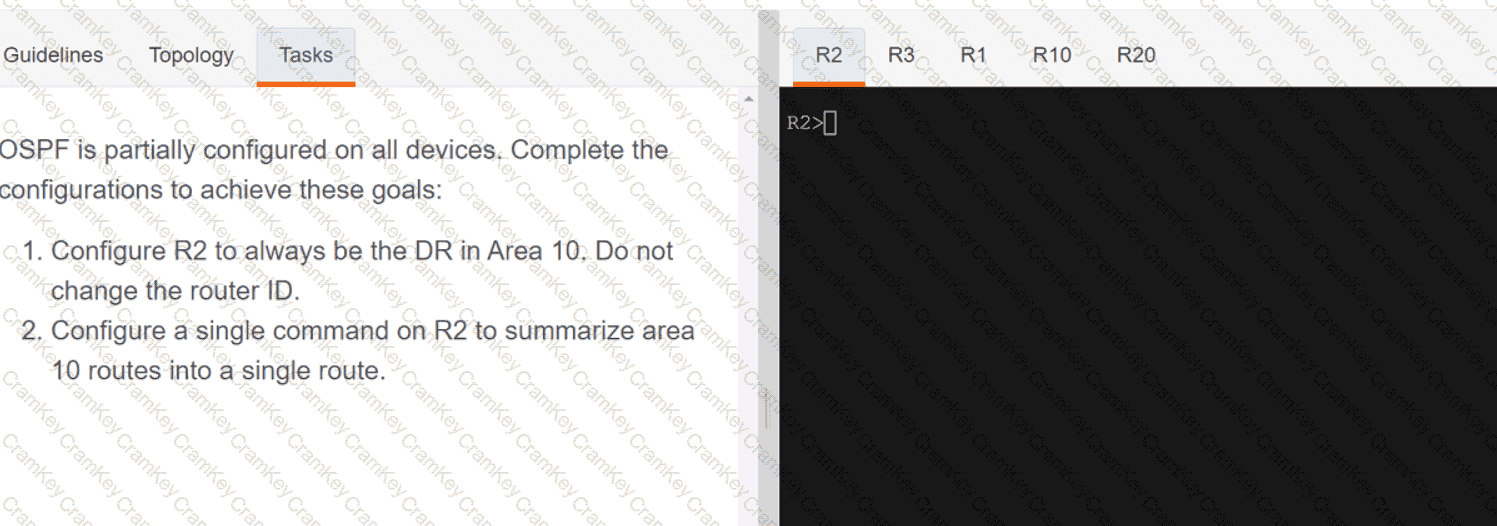
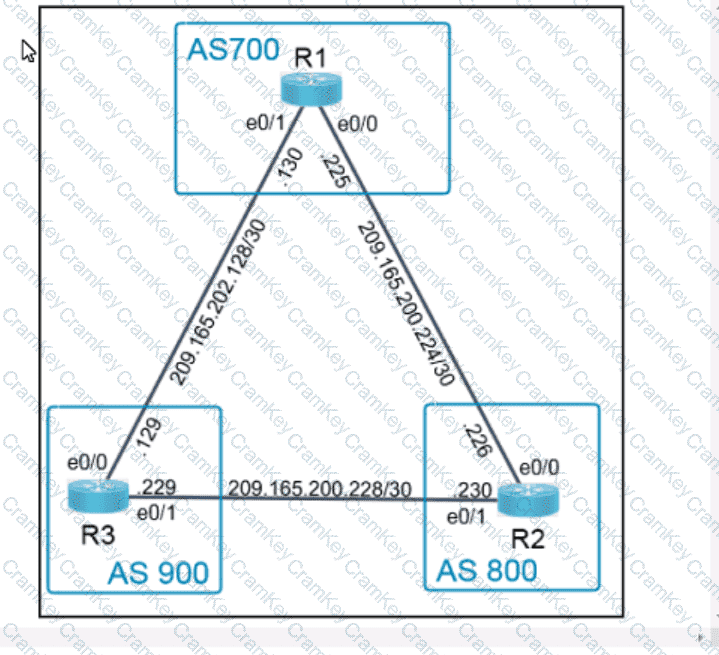
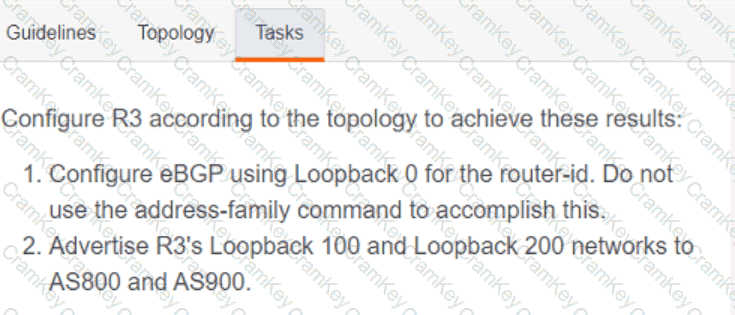
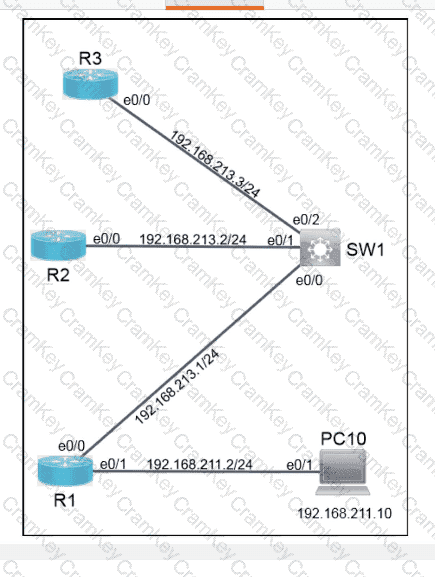
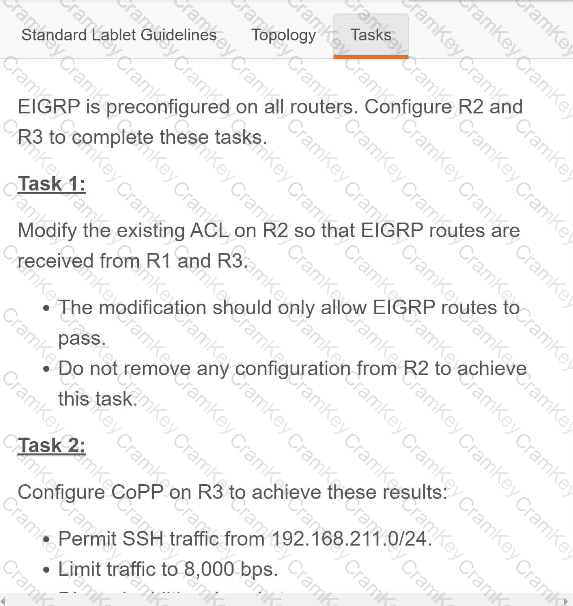
1. Check the existing inbound ACL on R2; select an unused sequence before the blocking ACE.
show ip access-lists
show running-config interface Ethernet0/0
2. Add only the EIGRP permit entry without deleting existing configuration.
configure terminal
ip access-list extended 151
5 permit eigrp any any
exit
end
copy running-config startup-config
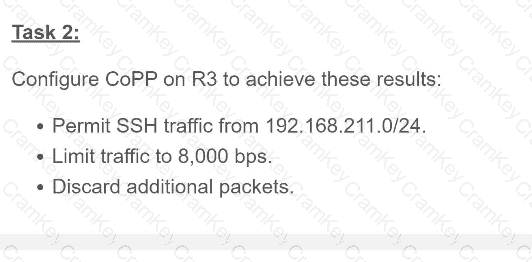
3. On R3, classify the requested management traffic and police it. Use a free ACL number or a named ACL if 100 is occupied.
configure terminal
ip access-list extended 100
permit tcp 192.168.211.0 0.0.0.255 any eq 22
exit
class-map match-any SSH
match access-group 100
exit
policy-map CoPP
class SSH
police 8000 conform-action transmit exceed-action drop
exit
exit
control-plane
service-policy input CoPP
exit
end
copy running-config startup-config
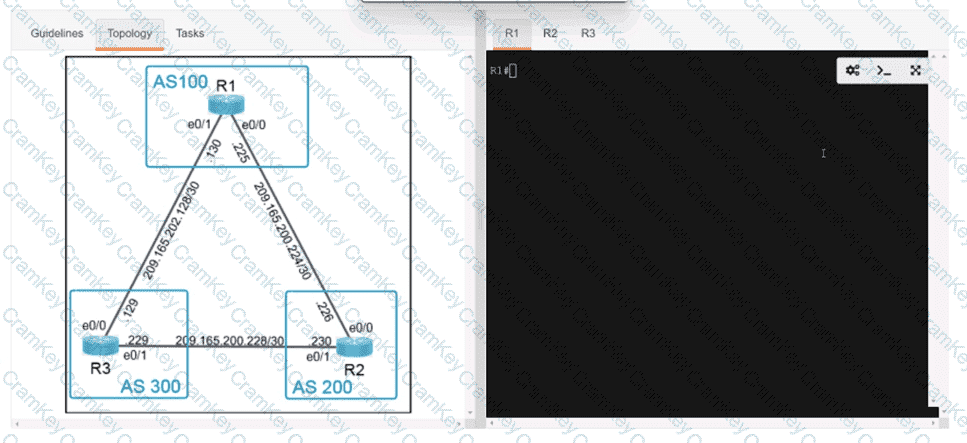
4. Verify routing on the first device and policing on the second.
show ip eigrp neighbors
show ip route eigrp
show ip access-lists
show policy-map control-plane
EIGRP uses IP protocol 88, so an ACL permitting only TCP and UDP traffic does not allow EIGRP hellos or updates. Insert the EIGRP permit before the existing deny in ACL 151 and preserve every other entry. Sequence 5 is an example of an unused early position; verify it first. The management ACL on R3 matches TCP destination port 22 and only the requested source 192.168.211.0 0.0.0.255. The class map selects that ACL and the policy transmits conforming traffic at the specified 8,000 bps rate while dropping excess traffic. Apply the service policy to the control-plane input, not a transit interface. If another CoPP policy is already attached, integrate the class into it rather than replacing unrelated protection. Unmatched traffic is not automatically denied; use a separate management access policy if required.
Study Guide Reference: Cisco Press Portable Command Guide, Chapter 10 — Configuring Extended IPv4 ACLs and Control Plane Policing (pp. 247–260).