| Exam Name: | Endpoint Administrator | ||
| Exam Code: | MD-102 Dumps | ||
| Vendor: | Microsoft | Certification: | Microsoft 365 Certified: Endpoint Administrator Associate |
| Questions: | 363 Q&A's | Shared By: | ammar |
You have a Microsoft Entra tenant.
You are creating a dynamic device group named Group1.
Group1 will include only Windows devices that are Microsoft Entra registered.
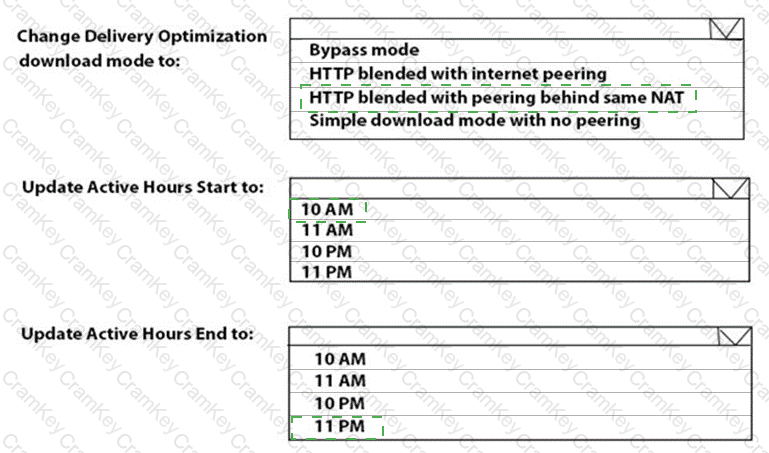
How should you configure the dynamic membership rule for Group1? To answer, select the appropriate options in the answer area.
NOTE: Each correct selection is worth one point.
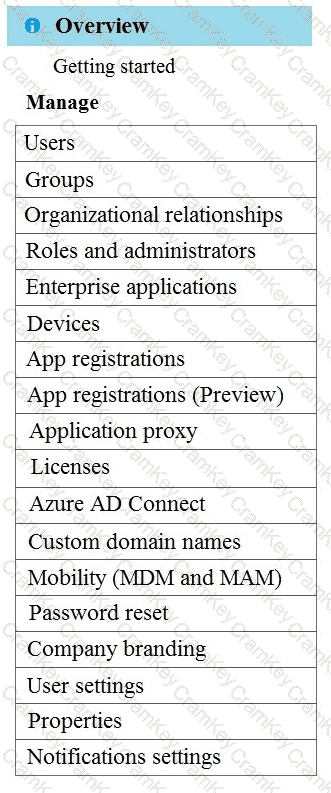
You have an Azure Active Directory Premium Plan 2 subscription that contains the users shown in the following table.
You purchase the devices shown in the following table.
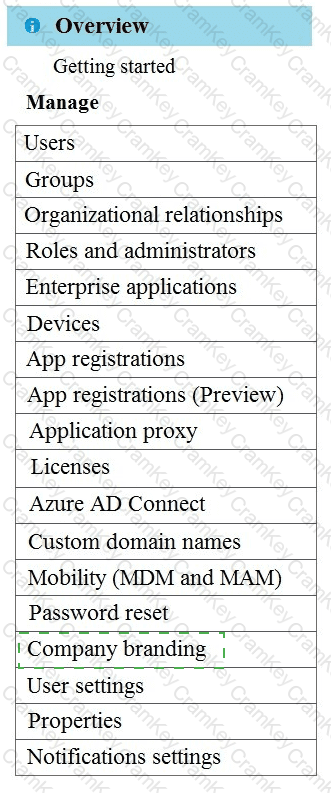
You configure automatic mobile device management (MDM) and mobile application management (MAM) enrollment by using the following settings:
• MDM user scope: Group1
• MAM user scope: Group2
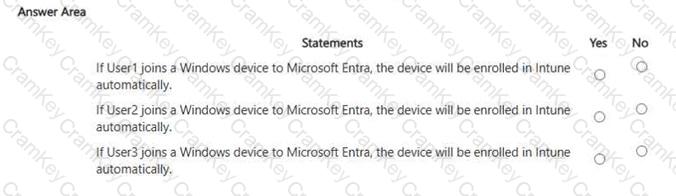
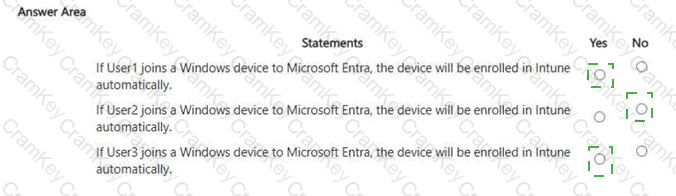
For each of the following statements, select Yes if the statement is true. Otherwise, select No. NOTE: Each correct selection is worth one point.
You have 1,000 computers that run Windows 10 and are members of an Active Directory domain.
You need to capture the event togs from the computers to Azure.
What should you do? To answer, select the appropriate options in the answer area.
NOTE: Each correct selection is worth one point.
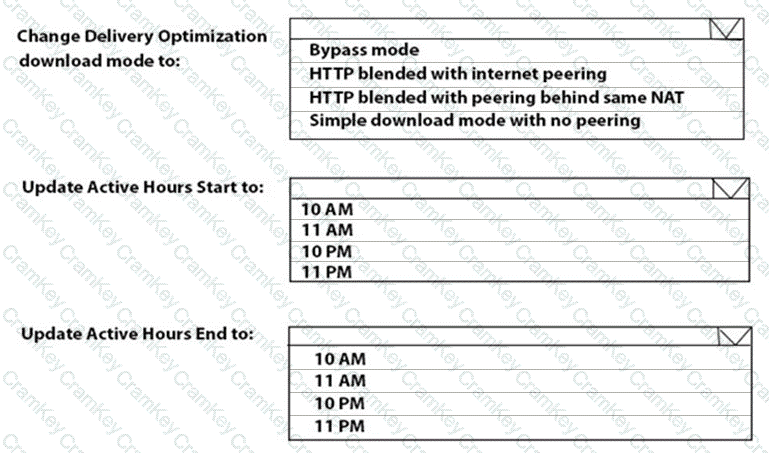
You have a Microsoft 365 E5 subscription that contains three Windows devices named Device 1, Device2. and Device3. The devices are managed by using Microsoft Intune. Each device contains a file named Scriptl.psl.
Users do NOT have local administrator permissions for the devices.
The subscription contains the groups shown in the following table.

You create two Endpoint Privilege Management (EPM) elevation settings policies that have the following settings:
• Name: Policy1
• Endpoint Privilege Management: Enabled
- Default elevation response: Deny all requests
o Allow Elevation Detection: No
- Send elevation data for reporting: No
• Assignments:
o Included groups: Group1
• Name: Policy2
• Endpoint Privilege Management: Require support approval
Allow Elevation Detection: No - Send elevation data for reporting: No
• Assignments:
Included groups: Group3
You create an EPM elevation rules policy named RulesPolicy1 that has the following settings:
• Rule name: Rule1
Elevation type: Automatic o Child process behavior: Deny all o File name: Script!.psl • File hash: < Hash of Scriptl.ps 1 >
• Assignments: Group1, Group2
For each of the following statements, select Yes if the statement is true. Otherwise, select No.
NOTE: Each correct selection is worth one point.