Administering Information Security in Microsoft 365
Last Update Sep 19, 2026
Total Questions : 223
To help you prepare for the SC-401 Microsoft exam, we are offering free SC-401 Microsoft exam questions. All you need to do is sign up, provide your details, and prepare with the free SC-401 practice questions. Once you have done that, you will have access to the entire pool of Administering Information Security in Microsoft 365 SC-401 test questions which will help you better prepare for the exam. Additionally, you can also find a range of Administering Information Security in Microsoft 365 resources online to help you better understand the topics covered on the exam, such as Administering Information Security in Microsoft 365 SC-401 video tutorials, blogs, study guides, and more. Additionally, you can also practice with realistic Microsoft SC-401 exam simulations and get feedback on your progress. Finally, you can also share your progress with friends and family and get encouragement and support from them.
HOTSPOT
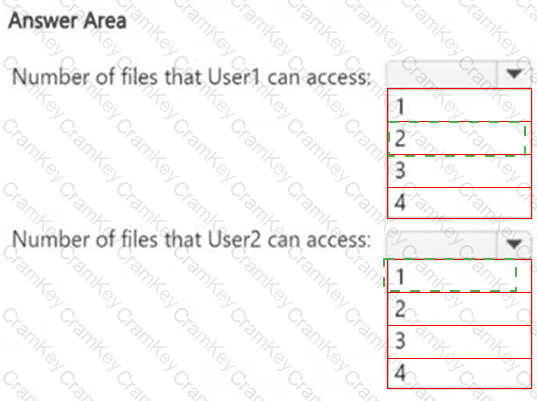
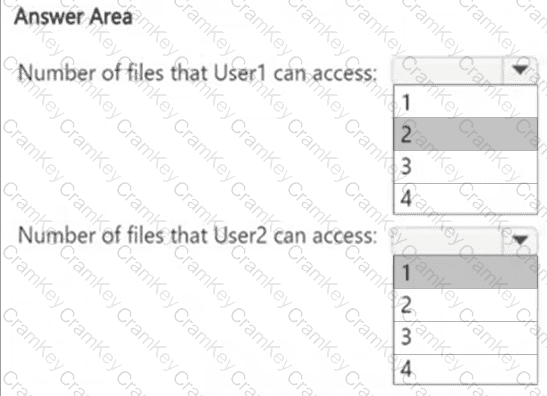
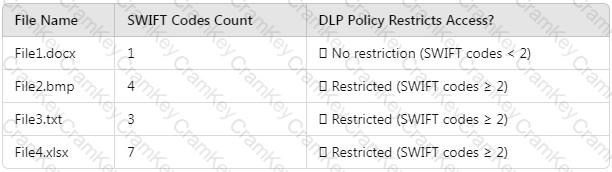
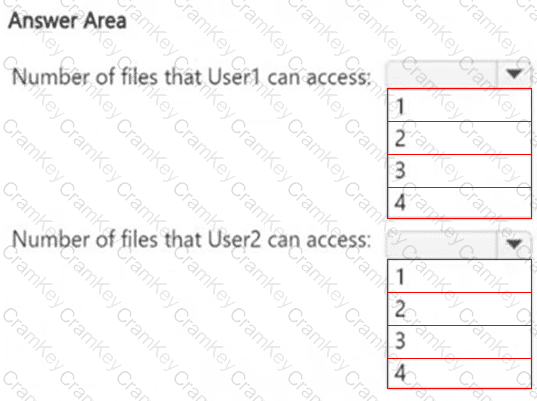
How many files in Site2 can User1 and User2 access after you turn on DLPpolicy1? To answer, select the appropriate options in the answer area.
NOTE: Each correct selection is worth one point.
You need to meet the retention requirement for the users ' Microsoft 365 data.
What is the minimum number of retention policies required to achieve the goal?
You have a Microsoft 36S subscription that contains the users shown in the following table.

You create the data loss prevention (DLP) policies shown in the following table.

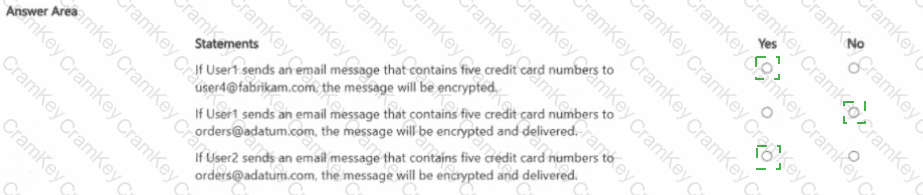
For each of the following statements, select Yes if the statement is true. Otherwise, select No.
NOTE: Each correct selection is worth one point.

HOTSPOT
You have a Microsoft 365 E5 subscription.
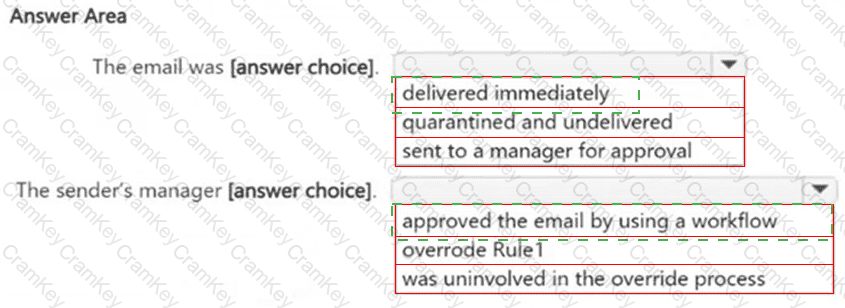
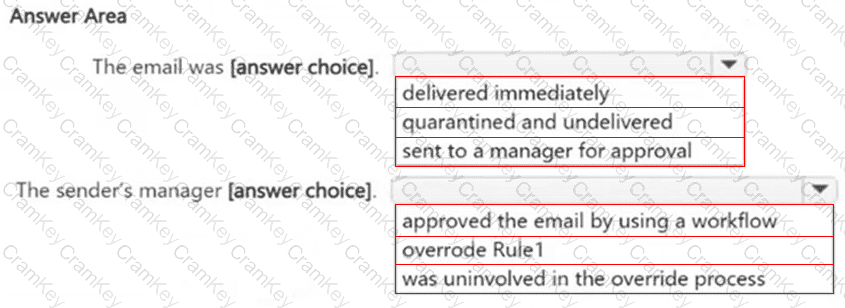
You receive the data loss prevention (DLP) alert shown in the following exhibit.
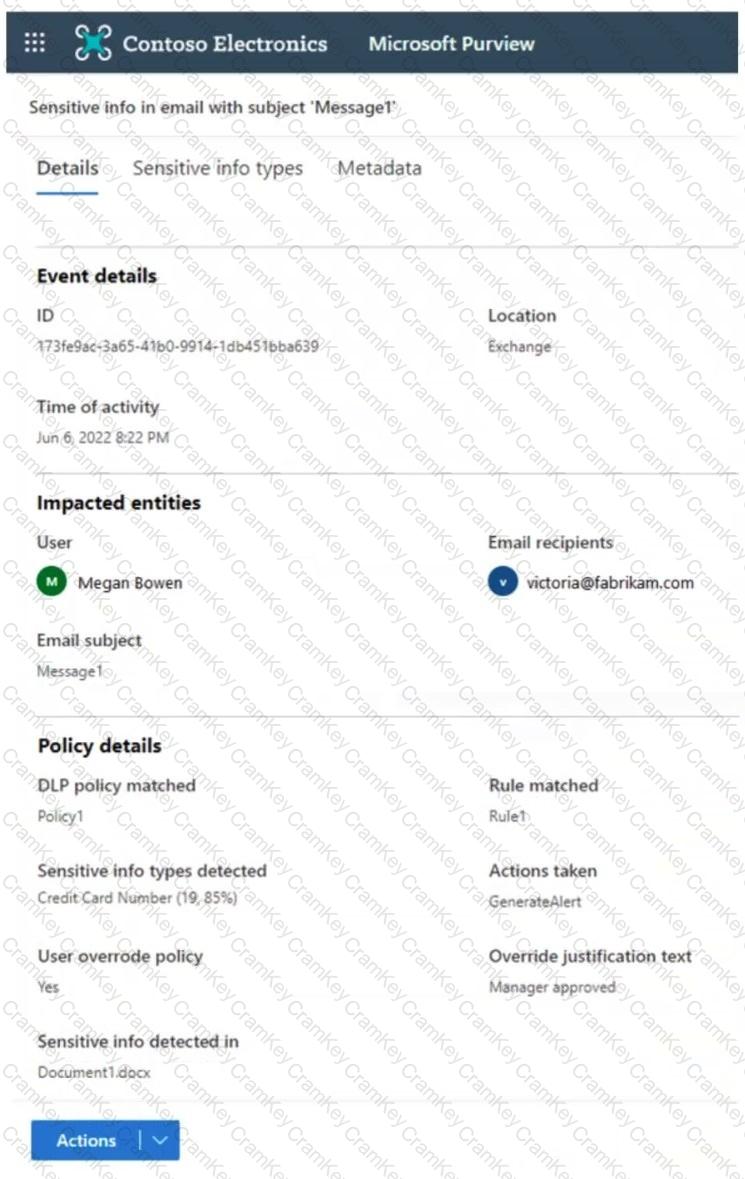
Use the drop-down menus to select the answer choice that completes each statement based on the information presented in the graphic.
NOTE : Each correct selection is worth one point.

TESTED 19 Sep 2026