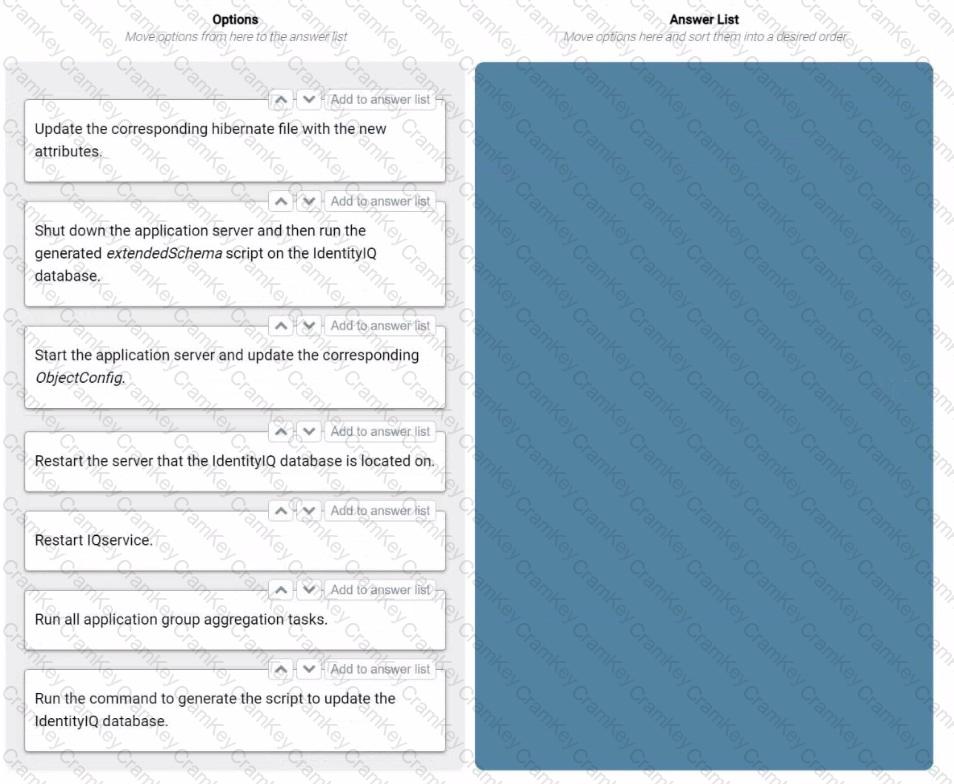
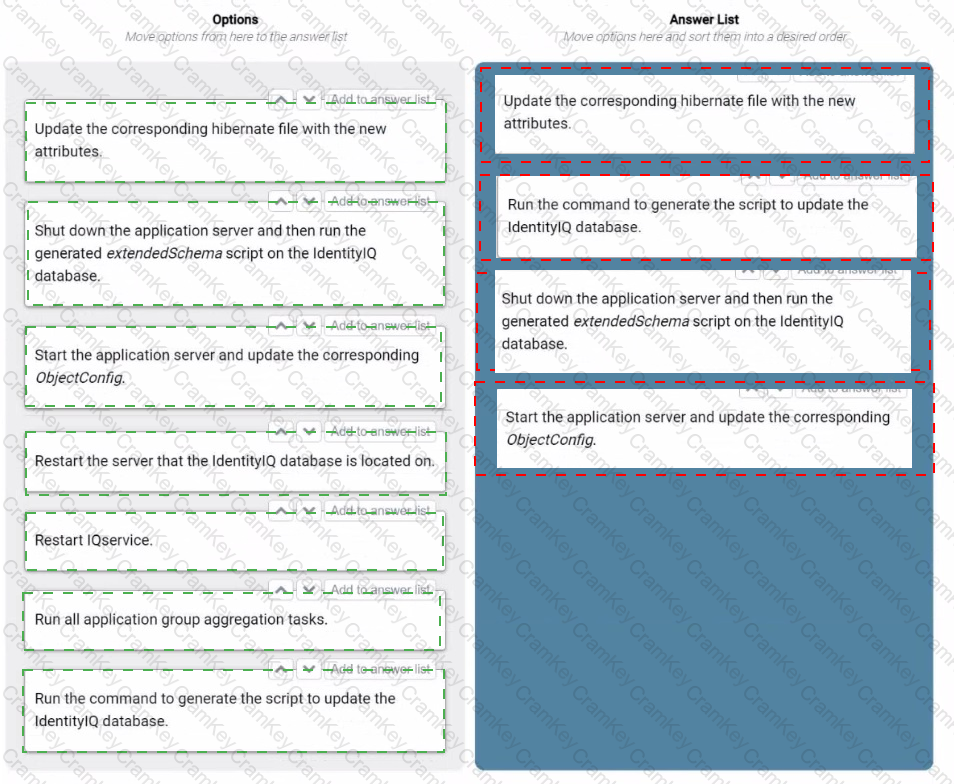
The four minimum steps necessary to extend attributes in an IdentityIQ database after it has been created, in the correct order, are:
Update the corresponding hibernate file with the new attributes.
The Hibernate mapping file needs to be updated with the new attributes so that the SailPoint IdentityIQ application is aware of the new columns or properties in the database. This step ensures that the object-relational mapping (ORM) reflects the updated data model.
Run the command to generate the script to update the IdentityIQ database.
After updating the Hibernate file, a schema update script is generated. This script contains the necessary SQL commands to modify the database schema based on the new attributes added in the Hibernate file.
Shut down the application server and then run the generated extendedSchema script on the IdentityIQ database.
Before applying schema changes, the application server must be stopped to avoid any transactional conflicts. Afterward, the extendedSchema script is run on the database to apply the new attributes.
Start the application server and update the corresponding ObjectConfig.
Once the database schema is updated, restart the IdentityIQ application server and modify the ObjectConfig in SailPoint to register the new attributes for use within the IdentityIQ platform.
Comprehensive Detailed Explanation with All IdentityIQ Engineer References
Updating the Hibernate File: This step involves modifying the Hibernate XML or annotation-based mapping files to reflect the new attributes that are being added to the database. SailPoint IdentityIQ uses Hibernate as its ORM, and any new database fields must first be defined at this layer.
Generating the Schema Update Script: SailPoint provides a command (usually via iiq console or build tools) that reads the updated Hibernate mapping and generates a database-specific script to alter the schema. This ensures that the database is modified in a way that matches the application ' s expectations.
Running the Schema Update Script: With the application server stopped, the schema update script is executed on the database. This step adds the new columns, indexes, or constraints that are required for the extended attributes.
Updating the ObjectConfig: Once the database is updated and the application server is running again, the ObjectConfig (typically located in the IdentityIQ admin UI) must be updated to incorporate the new fields. This step ensures that these new attributes are accessible to workflows, forms, and identity data within the system.
SailPoint IdentityIQ Installation and Configuration Guide (sections on extending the data model and schema updates).